This post contains affiliate links. If you purchase through them, we may earn a small commission at no extra cost to you. This product was provided through the Amazon Vine program for our honest review. All opinions are our own. Thanks for supporting Gaming Gear Drop.
Pros
- Hall Effect sticks
- RGB lighting
- Charging dock
- NFC support
- Motion controls
- Programmable buttons
- Turbo functions
- Adjustable vibration
- Responsive controls
- Dual connectivity
Cons
- D-pad diagonals
- Quality complaints
- Stiff triggers
- Manual required
Quick Summary
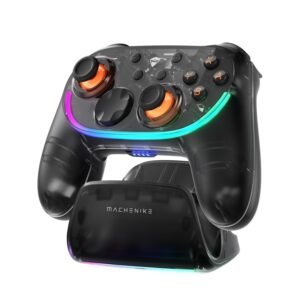
The Machenike S3 Wireless Switch Controller is a wireless gaming controller designed for Nintendo Switch, Nintendo Switch 2, Windows PC, Android, Android TV, and iOS devices. It focuses on Hall Effect thumbsticks, programmable controls, RGB lighting, NFC support, and a charging dock for everyday gaming.
The controller includes Bluetooth and wired USB connectivity, along with adjustable vibration, motion controls, Turbo functions, rear button macros, and support for the Keylinker app. Initial setup may require referring to the manual to learn the different connection modes and onboard button combinations.
Some users appreciate the responsive controls, comfortable design, and customization features, while others note D-pad diagonal accuracy, build quality concerns, and trigger design as potential trade-offs.
For more information, stick around and read below for my take on this product.
Hey there, welcome to our review of the Machenike S3 Wireless Switch Controller.
For this review, we tested the Black version to offer honest insights and hopefully make your decision-making a tad easier. We have gathered the important details about this gaming controller to share with you, specifically focusing on its compatibility with Nintendo Switch, Nintendo Switch 2, Windows PC, Android, Android TV, and iOS devices.
Throughout this post, we will discuss its key features, highlight user feedback, share our personal impressions, and explain who might benefit most from it.
So, if you are looking for a black wireless gaming controller with a charging dock, stick around to find out if this suits your needs.
Key Features
Hall Effect Control System
The controller uses Hall-effect thumbsticks designed to provide smooth movement while helping reduce stick drift and wear over time.
It also supports independent joystick circular area adjustments, allowing the left and right thumbsticks to be adjusted separately for different gameplay preferences.
Smart Charging Dock
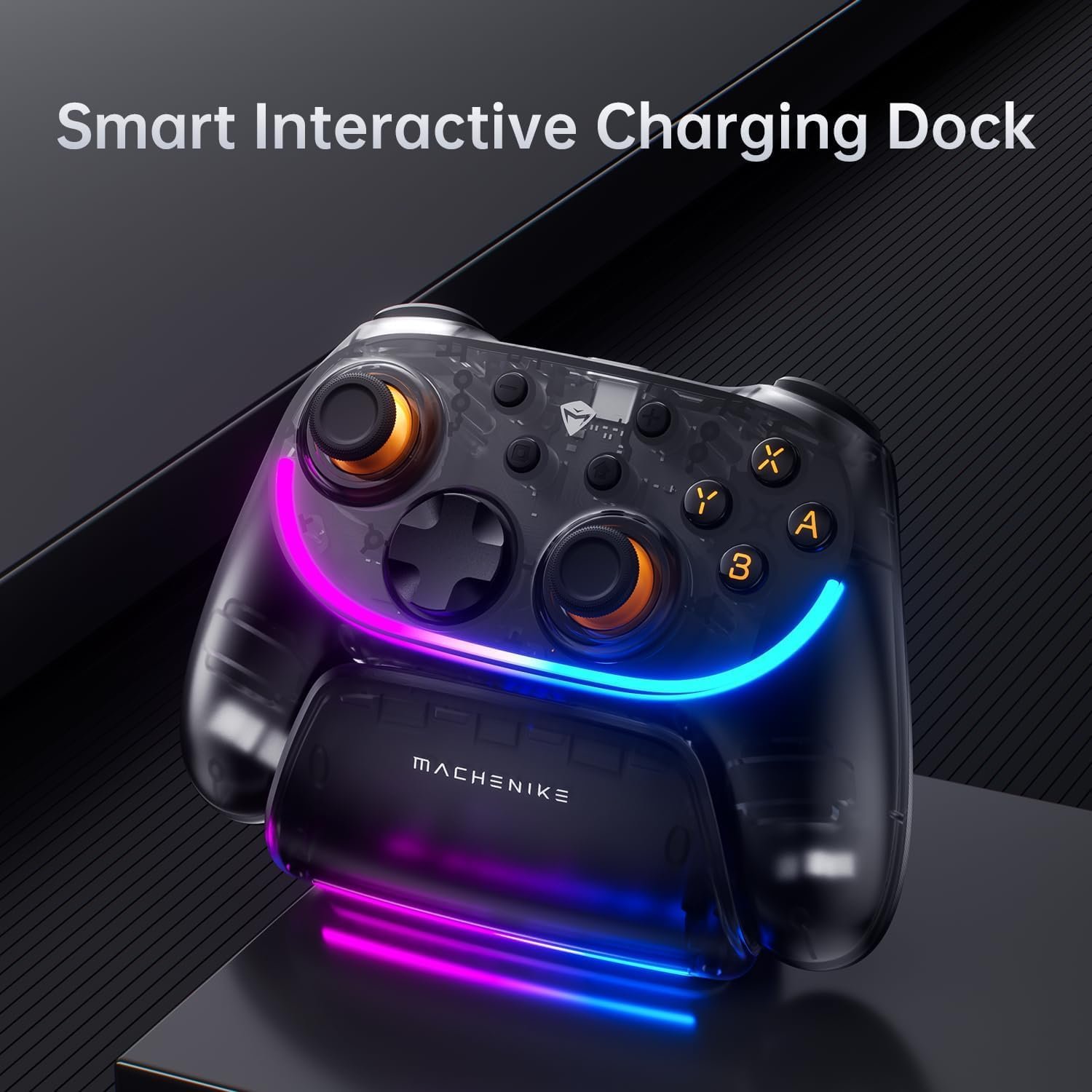
The included charging dock provides a convenient place to charge and store the controller when it is not in use.
When docked, the controller automatically enters sleep mode to help conserve battery power. Picking it up wakes the controller and reconnects it to the previously paired device.
Comfortable Controller Layout
The controller features an ergonomic layout with textured grips, Hall-effect thumbsticks, and a built-in NFC reader for supported Nintendo Switch functions.
It also includes two programmable rear buttons, dedicated vibration and lighting control buttons, and support for gyroscope controls in compatible Nintendo Switch games. The package includes the controller, charging dock, USB data cable, user manual, and compliance certificate.
Multi-Platform Connectivity
The controller supports Nintendo Switch, Nintendo Switch 2, Windows PC, Android, Android TV, and iOS devices.
It connects using Bluetooth or a wired USB connection. The controller also supports one-touch wake for Nintendo Switch, automatic reconnection after sleep, and can switch between XInput, Switch, and DInput modes when using a wired connection.
On-Controller Customization
Several controller settings can be adjusted directly on the controller without requiring software.
Users can adjust RGB lighting brightness, lighting modes, lighting colors, vibration intensity, joystick circular area settings, and controller modes using onboard button combinations.
The controller also supports programmable rear button macros and Turbo functions, including both manual and automatic Turbo modes for supported buttons.
Software Support
The controller supports the Keylinker app for additional controller management and customization.
Using the app, users can access additional controller settings, remap supported functions, and install firmware updates downloaded from the Machenike official website
Performance & Feedback
Customers say the controller feels responsive during gameplay, with the Hall Effect thumbsticks and 1000Hz polling rate providing smooth and consistent control. The ergonomic design is also mentioned as being comfortable to hold during longer gaming sessions, while the adjustable vibration settings let users choose their preferred level of feedback.
Customers also mention the RGB lighting, controller customization, dual connection options, and NFC support for compatible Nintendo Switch Amiibo features as useful additions. These features allow the controller to be used across multiple compatible devices while offering several onboard customization options.
Some users mention that the D-pad diagonals can be difficult to register accurately in certain games. Others comment that parts of the controller feel less premium than expected, with a few noting that the overall build quality could be better.
My Thoughts: Machenike S3 Wireless Switch Controller
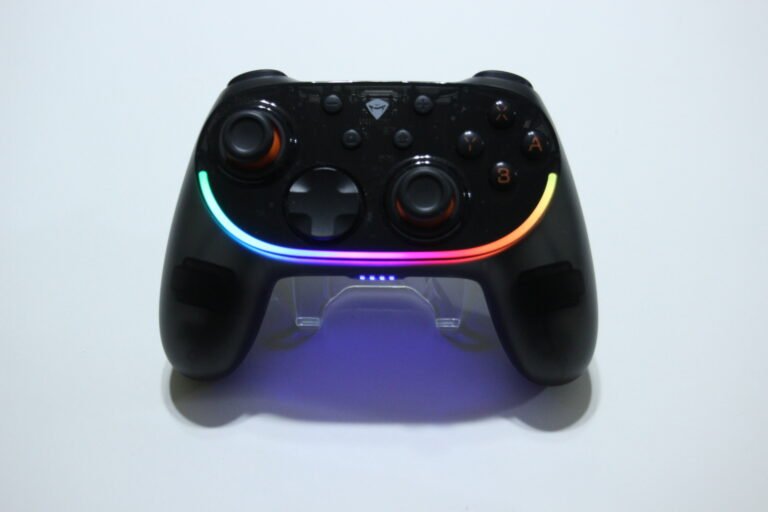
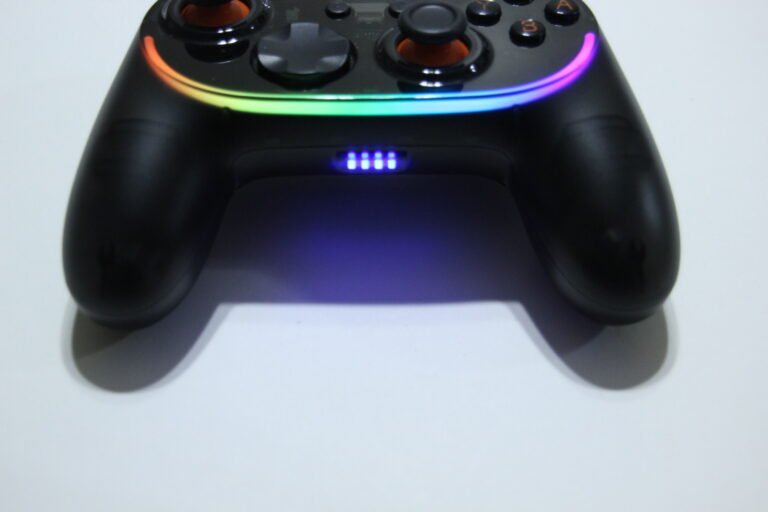
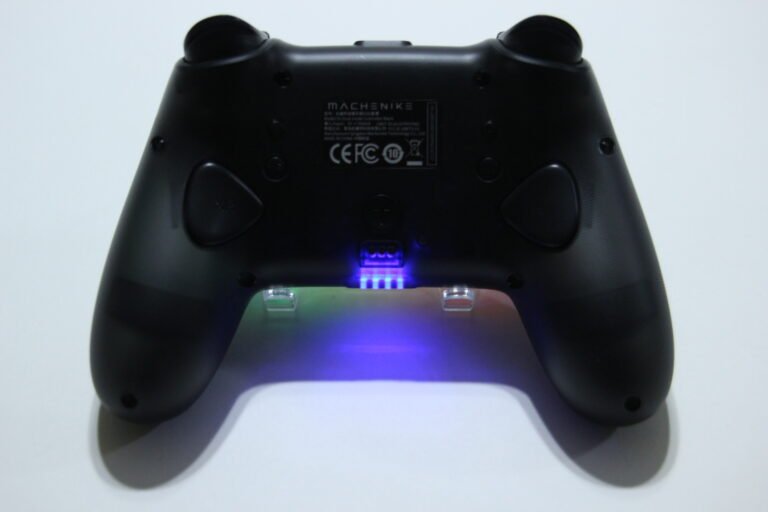
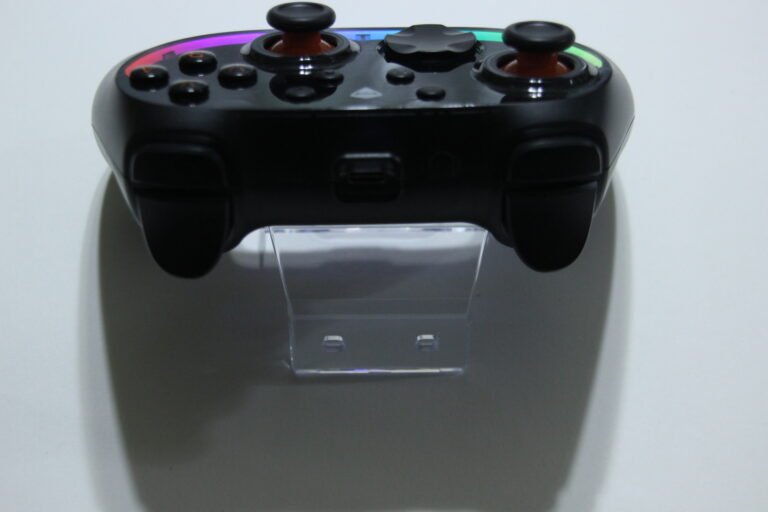
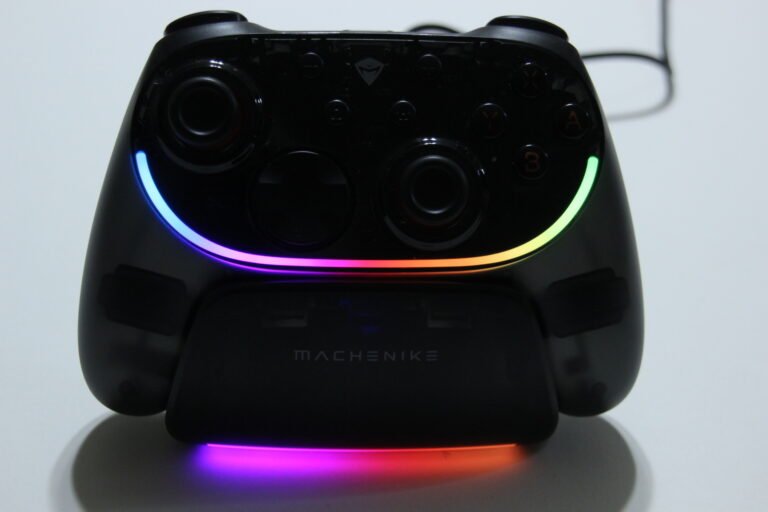
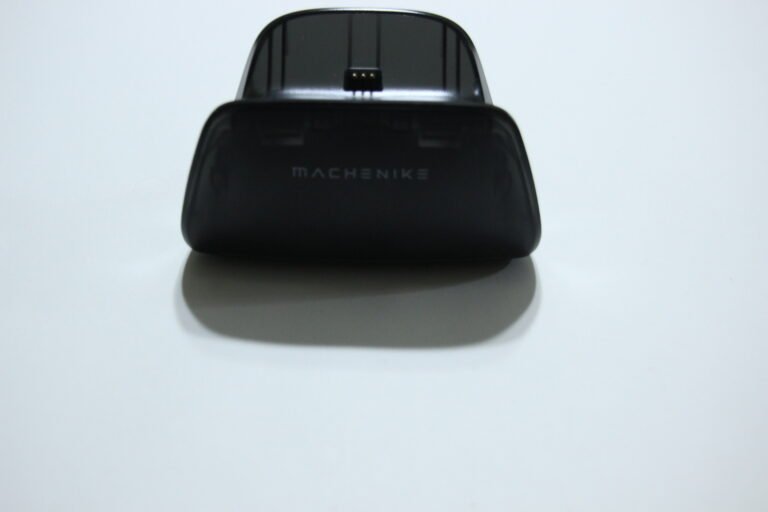
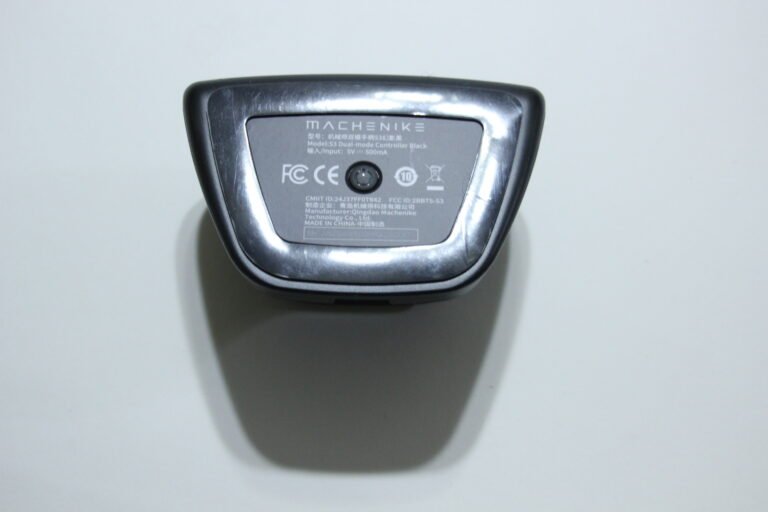
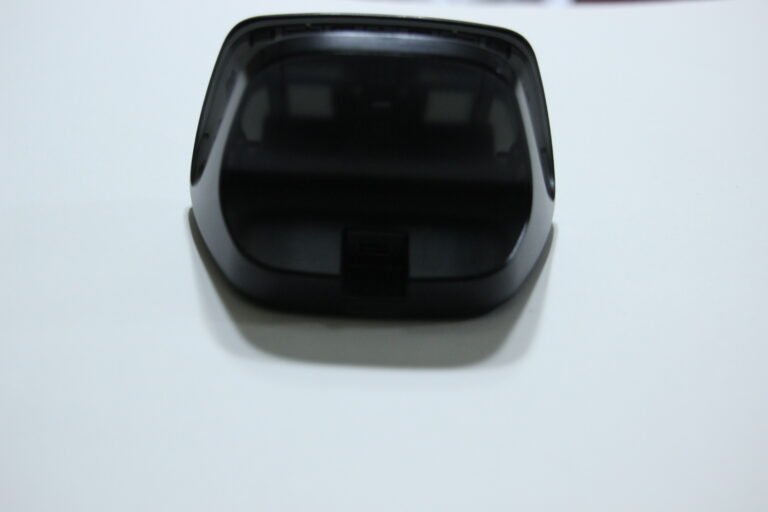
The controller has a comfortable layout with good handling, and I liked the RGB lighting along with the different lighting effects it offers. The rear buttons are placed in a convenient location, and the included charging dock works well as both a charging station and a place to store the controller when it is not in use.
I used the controller on both PC and Nintendo Switch. A manual was needed to figure out the different connection modes, but once connected, the controller worked over both Bluetooth and a wired USB connection. The mechanical buttons have a satisfying click and felt responsive during gameplay.
The only part I wasn’t a fan of was the triggers. They felt a little stiff and sit fairly close to the controller. While this may work well for games that rely on quick trigger presses, I found them less comfortable for racing games where smoother trigger control is useful.
I also wish Machenike offered an easier way to access the Keylinker software instead of requiring users to download it through a mobile device. The app is functional and allows for button remapping and joystick calibration, but I felt it could offer a few more customization options.
Who Would Likely Favor This Product?
Those looking for a gaming controller with Hall Effect thumbsticks, adjustable vibration, RGB lighting, and programmable rear buttons might want to consider this controller. It also includes a charging dock, NFC support for compatible Nintendo Switch features, and software support through the Keylinker app.
Gamers who like to customize their controller might also want to look into this model. It supports Turbo functions, rear button macros, lighting controls, vibration adjustments, joystick settings, and additional customization through the Keylinker app.
It may also suit players who regularly switch between multiple platforms, as it supports Nintendo Switch, Nintendo Switch 2, Windows PC, Android, Android TV, and iOS using Bluetooth or a wired USB connection.
FAQ (Frequently Asked Questions)
What devices is the Machenike S3 compatible with?
It supports Nintendo Switch, Nintendo Switch 2, Windows PC, Android, Android TV, and iOS devices. It is not compatible with Xbox, PlayStation, or GeForce Now.
Does it support Hall Effect thumbsticks?
Yes. The controller uses Hall Effect thumbsticks designed to provide smooth control while helping reduce stick drift and wear.
Does it support NFC?
Yes. NFC is supported when using compatible Nintendo Switch features, such as Amiibo.
Does it support motion controls?
Yes. The controller includes gyroscope support for compatible Nintendo Switch games.
Does it have programmable buttons?
Yes. It includes programmable rear buttons with macro support.
Does it support Turbo?
Yes. Both manual and automatic Turbo modes are supported for compatible buttons.
Does it include a charging dock?
Yes. A charging dock is included for charging and storing the controller.
Does it support software?
Yes. The controller works with the Keylinker app for additional customization and firmware updates.
Can I customize the RGB lighting?
Yes. You can change the lighting mode, brightness, and color using the controller or the Keylinker app.
Connectivity Questions
How to connect to Nintendo Switch using Bluetooth
- Turn the controller off.
- Hold the Y + Home buttons or press the pairing button until the indicator flashes.
- On the Switch, open Controllers > Change Grip/Order.
- Wait for the controller to appear and complete pairing.
How to connect to Nintendo Switch using USB
- Enable Pro Controller Wired Communication in the Switch settings.
- Place the Switch in the dock.
- Connect the controller using the included USB cable.
- The controller will connect automatically.
How to connect to PC, Android, or iPhone using Bluetooth
- Turn the controller off.
- Hold X + Home until the indicator flashes rapidly.
- Open your device’s Bluetooth settings.
- Select Xbox Wireless Controller.
- Wait for the connection to complete.
How to connect using USB
- Turn the controller off.
- Connect it to your device using the included USB cable.
- The controller will be ready to use automatically.
How to wake the controller
- Press the Home button.
- The controller will reconnect to the last paired wireless device automatically.
Programming & Troubleshooting
How to adjust RGB brightness
- Press and hold the Lighting Control button.
- Release the button when the desired brightness is reached.
How to change RGB lighting mode
- Press the Lighting Control button once.
- Continue pressing to cycle through the available lighting modes.
How to change RGB lighting color
- Double-press the Lighting Control button.
- Continue double-pressing to cycle through the available colors.
How to adjust vibration intensity
- Press the Vibration Control button.
- Continue pressing to cycle through the available vibration levels.
How to adjust the joystick circular area
- Hold the Capture button.
- Press L3 or R3.
- The selected joystick setting will change independently.
How to switch controller modes
- Connect the controller using a USB cable.
- Hold the + and − buttons together for 3 seconds.
- The controller will cycle between XInput, Switch, and DInput modes.
How to record a macro
- Hold ML/MR and XL/XR together.
- Wait for the decorative light strip to flash.
- Press the buttons you want to record.
- Press the corresponding XL or XR button to save the macro.
How to clear a macro
- Press and hold ML or MR for 3 seconds.
- The controller will vibrate once to confirm the macro has been cleared.
How to enable Turbo
- Hold the T button.
- Press the supported button you want to assign.
- Repeat the shortcut to switch between Manual Turbo, Auto Turbo, and Off.
- Hold the T button for 3 seconds to clear all Turbo settings.
How to download the Keylinker app
- Visit the Machenike official website.
- Download the Keylinker app for Android or iOS.
- Open the app and select S3_APP.
- Connect to access additional controller settings and firmware updates.
How to reset the controller
- Unplug and reconnect the USB cable or try another connection mode.
- If the controller is still unresponsive, press the reset hole with a pin.
- If the issue continues, verify your device compatibility or contact Machenike customer support.
If you are still interested in knowing more about the product, click the button below
Machenike S3 Wireless Switch Controller – Hall Effect Joysticks | Charging Dock | Multi-Platform Support
- Multi-Platform Compatibility
Compatible with Nintendo Switch, Nintendo Switch 2, Windows PC, Android, Android TV, and iOS devices. It is not compatible with Xbox, PlayStation, or GeForce Now. - Smart Charging Dock
Includes a charging dock that charges and stores the controller. Docking the controller automatically places it into sleep mode, while removing it wakes the controller and reconnects it to the previously paired device. - NFC Support
Features a built-in NFC reader compatible with supported Nintendo Switch functions, allowing supported NFC-compatible accessories to be scanned. - Hall Effect Joysticks
Uses Hall-effect sensing thumbsticks designed to provide smooth control while helping reduce stick drift and wear over time. - Adjustable Vibration
Features dual vibration motors with five selectable vibration intensity levels. Additional vibration adjustments are available through the Keylinker app. - RGB Lighting
Includes RGB lighting on the controller and charging dock, with synchronized lighting effects and status indicators. - Programmable Controls
Supports button remapping for compatible buttons through the Keylinker app, including ABXY buttons, D-pad, and thumbsticks. - Bluetooth Connectivity
Uses Bluetooth 5.2 for wireless connections to supported devices. - Software Support
Supports the Keylinker app for controller settings, button remapping, vibration adjustments, and firmware updates.
Images by Gaming Gear Drop unless otherwise noted. Additional photos sourced from the official Machenike Amazon listing for review purposes.